Students & researchers
Turn lectures, talks, and interviews into searchable notes. Quote with exact timestamps and cite sources accurately.
Paste up to 3 URLs per day. Get clean transcripts with timestamps and instant downloads as TXT, SRT, PDF, CSV, or JSON.
Up to 3 URLs per day — separate with new lines, commas, or spaces
3 of 3 free transcripts left today
Your transcripts will appear here.
The process
Drop one or many YouTube links in the box above.
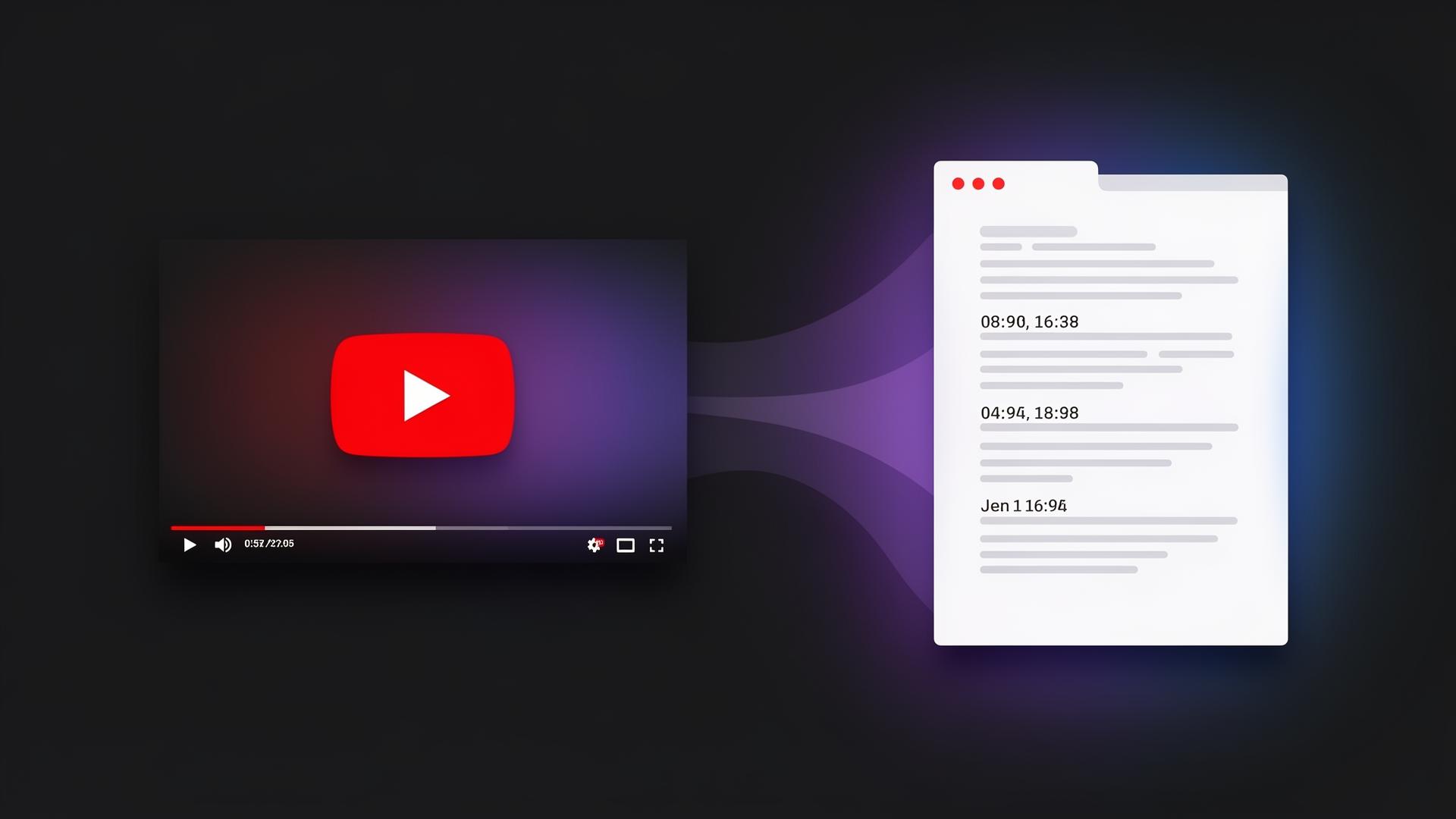
We fetch the transcript with timestamps in seconds.
Copy, search, or download as TXT, SRT, PDF, CSV, or JSON.
The basics
A YouTube transcript is the complete written text of everything spoken in a video, broken into short segments with timestamps. It can come from captions a creator uploaded manually or from YouTube's automatic speech recognition. Either way, the transcript turns spoken audio into searchable, copyable, translatable text — perfect for studying, research, content repurposing, and accessibility.
Transcriptifyyt is a free YouTube transcript generator and caption downloader. Paste any public YouTube URL and we return the full transcript with clickable timestamps. There's no extension to install, no YouTube Premium subscription required, and no account to create. Bulk-process up to 3 videos per day and export as TXT, SRT, PDF, CSV, or JSON.
Need to transcribe a YouTube video for a blog post, research paper, or accessibility caption file? Want to search inside a long YouTube video without scrubbing through it? Transcriptifyyt handles both in the same workflow.
Use cases
From students taking lecture notes to creators repurposing podcasts, a clean transcript unlocks new ways to use video.
Turn lectures, talks, and interviews into searchable notes. Quote with exact timestamps and cite sources accurately.
Repurpose podcasts and long videos into blog posts, tweets, newsletters, and YouTube Shorts scripts in minutes.
Quickly pull quotes from press conferences, interviews, and recorded statements without rewatching.
Extract transcripts to build keyword-rich blog content from existing video assets and improve organic reach.
Download SRT files to localize captions, or copy plain text into your preferred translation workflow.
Provide written transcripts for viewers who are deaf, hard of hearing, or who simply prefer to read.
Why Transcriptifyyt
Most ways of getting a YouTube transcript are clunky. The native "Show transcript" button on YouTube doesn't include downloads, browser extensions can be invasive, and copy-paste loses formatting. Transcriptifyyt was built to fix that.
| Feature | YouTube native | Transcriptifyyt |
|---|---|---|
| Download as TXT / SRT / PDF / CSV / JSON | No | Yes |
| Bulk extraction (up to 3 URLs / day) | No | Yes |
| Search inside the transcript | No | Yes |
| Clickable timestamps | Limited | Yes |
| No sign-up required | Account needed | Yes |
| Works on auto-generated captions | Yes | Yes |
FAQ
A YouTube transcript is the full written text of everything spoken in a video, usually paired with timestamps. It can come from creator-uploaded captions or from YouTube's automatic speech recognition. Transcripts make videos searchable, quotable, translatable, and accessible to viewers who are deaf or hard of hearing.
Paste the video URL into Transcriptifyyt and click Get transcripts. We fetch the captions, clean them up, and return a timestamped transcript you can copy or download as TXT, SRT, PDF, CSV, or JSON. No login, no browser extension, no Premium account required.
Yes. Transcriptifyyt is 100% free for personal and professional use. You can extract single videos or bulk-process up to 3 URLs per day without creating an account.
Yes. If a creator did not upload captions, we use YouTube's auto-generated captions. Quality depends on the audio, but it works for the vast majority of public videos in dozens of languages.
Absolutely. Transcriptifyyt handles long-form content like podcasts, lectures, sermons, conference talks, and interviews. Each transcript is searchable and downloadable, so you can scan a 2-hour video for the part you actually need in seconds.
Plain text (.txt), SubRip subtitles (.srt) for video editors and re-uploads, PDF (.pdf) for sharing or printing, CSV (.csv) with start/end/text columns for spreadsheets, and structured JSON with start/end timestamps per segment. Bulk extractions can be downloaded as a single ZIP.
Captions are publicly available on YouTube and reading them is generally fine for personal use, research, accessibility, study notes, and quoting under fair use. For redistribution or commercial republishing, respect the original creator's copyright.
No. Transcriptifyyt is stateless — we do not require accounts and we do not save your transcripts to a database. Your last clicked timestamp is cached locally in your browser only.